Most businesses start with one question when they look at leasing: what will this cost us each month? The honest answer is that the printer lease cost depends as much on what sits around the machine as on the machine itself. Two quotes with the same monthly figure can cover very different things, and the gap only shows up when the first toner bill or engineer callout arrives.
A printer lease is a fixed monthly agreement for an office printer or photocopier that usually bundles the device with its toner, servicing and support. The monthly price depends on the class of device, its specification and how much you print. At Insight Systems our four printer leasing ranges start at £10, £29, £49 and £249 a month, excluding VAT (prices checked Nov 2026).
This guide explains what those figures cover, what moves a quote up or down, and the questions to ask any supplier before you sign. It is written for office managers, finance leads and anyone comparing photocopier leasing prices in the UK.
Key takeaways
- Insight's four leasing ranges start at £10, £29, £49 and £249 a month, excluding VAT.
- A starting price is not a quote: device, specification and print volume set the real figure.
- A fully managed lease covers toner, parts, servicing, software, install and training on one invoice.
- Ask every supplier what is billed separately, and what leaving early would cost.
- Leasing spreads the cost, but over a long term it can cost more than buying outright.
How much does a printer lease cost in the UK?
A printer lease from Insight Systems starts at £10 a month for a hybrid device and rises to £29 for a budget machine, £49 for a premium one and £249 for a production press, all excluding VAT. These are starting points. Your quote depends on the device you need, its specification and the number of pages you print each month.
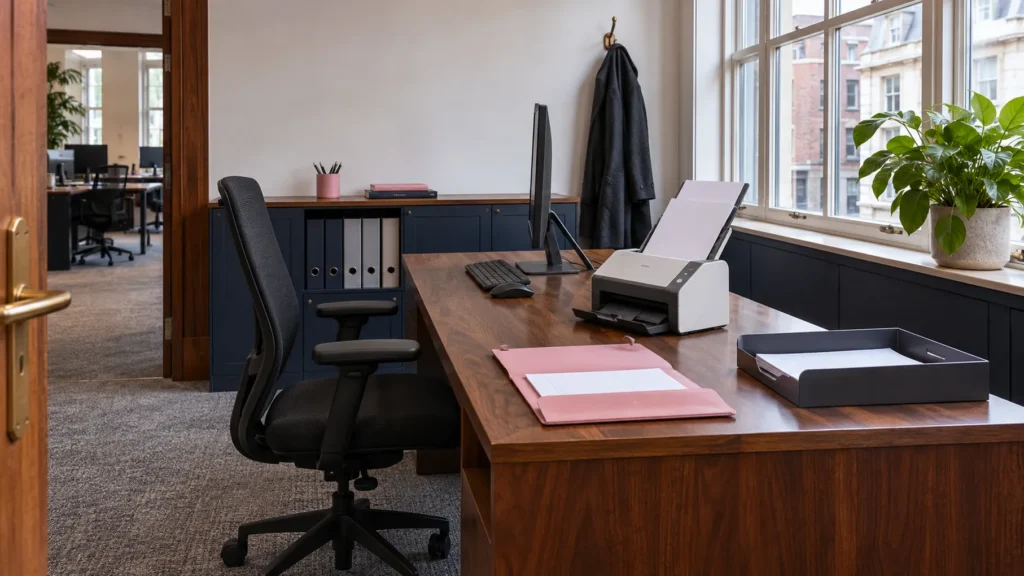
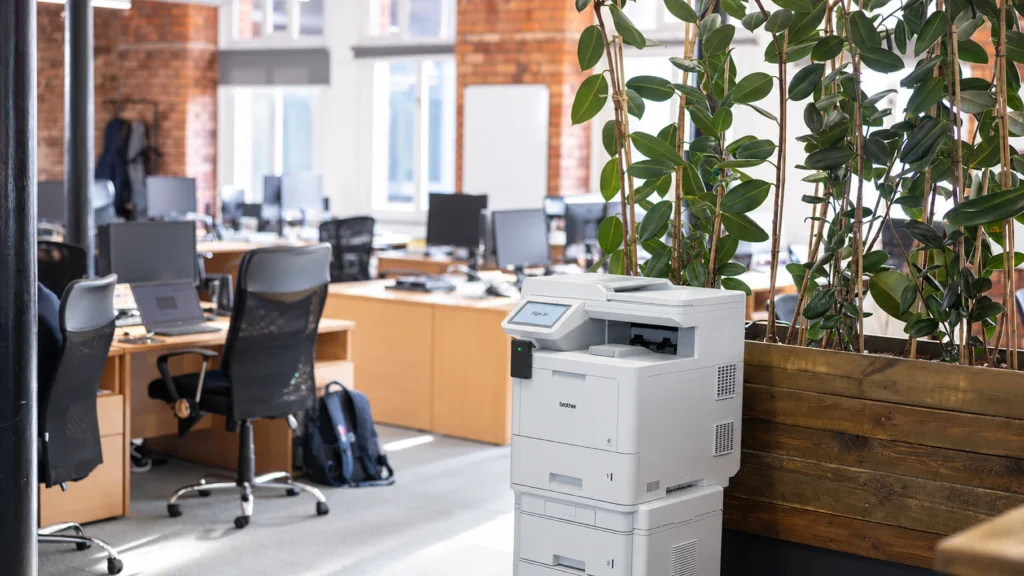
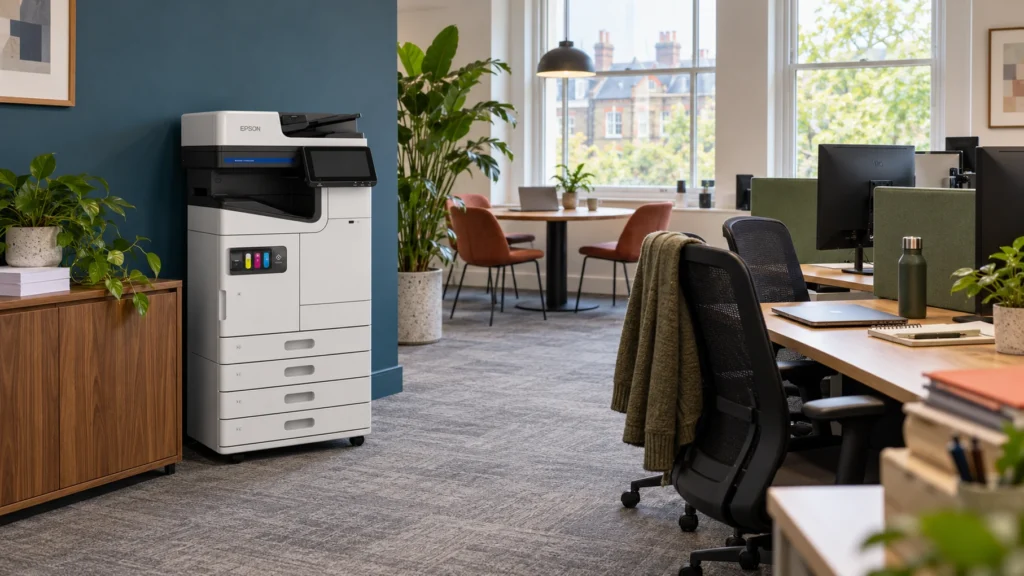
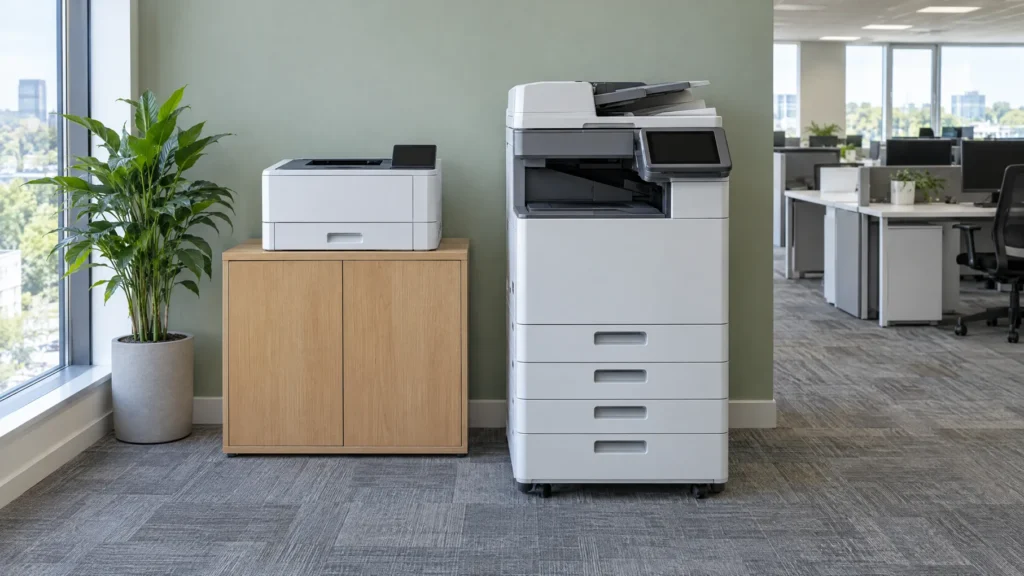
The four ranges follow the way businesses actually print. A hybrid device suits teams that split time between home and the office and need to scan straight into OneDrive or Google Drive. A budget machine suits a small business or start-up with light to moderate volumes. A premium device suits a busy department that prints a lot of colour and cannot wait for it. A production press sits in a print room and turns out bound documents close to commercial print quality.
The starting figure is the floor for each range, and the printer lease cost you are quoted rises from there as you add paper trays, finishing or a higher monthly volume. A multifunction printer (one machine that prints, copies and scans) can sit in any of the first three ranges, depending on its speed and features. Our frequently asked questions give the same four figures and the same caveat, because a starting price only becomes a real number once we know how you work.
| Range | From (a month, ex VAT) | What it adds |
|---|---|---|
| Hybrid | £10 | Scan to OneDrive and Google Drive, secure print release, toner included |
| Budget | £29 | An agreed cost per page with toner included, the same print management software as higher ranges |
| Premium | £49 | Colour above 80 pages a minute, Pantone colour matching, scanning up to 240 images a minute |
| Professional | £249 | Near-lithographic quality, finishing from hole-punching to bound books, an EFI Fiery or Creo print server |
What is included in the monthly price?
A printer lease is usually a rental agreement for the equipment, and not every agreement includes the same things. A fully managed lease bundles the device matched to your volume, toner and consumables, parts and servicing, secure print management software, installation, setup and staff training, and upgrades to newer models, all on one invoice. If any of these items is missing from a quote, the monthly figure will look lower than the true cost.
That bundle is the main reason leasing differs from buying a machine and finding toner and repairs as you go. When toner, parts and callouts are part of the agreement, nobody in your team has to watch a stock cupboard or weigh up whether a fault is worth a phone call. The cost of a breakdown is already in the monthly figure, so it never turns into an unplanned bill.
Toner is a good example. Our devices report their own toner levels and page counts, and a replacement cartridge is sent before you run out. The same reports drive billing, so you pay for the pages you print rather than an estimate from a quarterly meter reading. Our guide to automated print monitoring explains how that works in practice.
Here is what an Insight lease covers, as set out on our leasing page:
- the right device for your print volume;
- toner and consumables;
- parts and servicing;
- secure print management software;
- installation, setup and team training;
- upgrades to newer models.
Software matters more than it first appears. Secure print release holds each job until the person who sent it is standing at the device, which stops confidential pages sitting in an output tray. When that software is part of the lease rather than a separate licence, you avoid a second contract with its own renewal date.
What changes the price?
The printer lease cost moves with five things: the device class, whether you need A3 or only A4, how much colour you print, your monthly volume, and the specification you add, such as paper trays, finishing and software. The number of sites and the length of the agreement also shape the figure, which is why we price each lease individually.
Device class is the biggest factor. An A4 desktop printer costs far less to lease than an A3 floor-standing photocopier, because the machine itself costs less and handles fewer pages. If your team never prints larger than A4, there is little reason to pay for an A3 device. If you produce drawings, posters or booklets, an A4 machine will hold you back.
Volume and colour come next. An office that prints a few hundred mono pages a month needs a very different setup from a school office that prints large colour runs for every parents' evening. Colour pages use more toner, so the share of colour in your printing affects the agreed cost per page as well as the choice of device.
Specification and brand also play a part. Extra paper drawers, a stapling or booklet finisher, or Pantone colour matching all add to the monthly figure. Because we are independent and work with six leading printer brands, we can match the device to the work rather than push one manufacturer's range.
Contract length matters too. A longer agreement spreads the cost of the device over more months, while a shorter one gives you more flexibility. We set the term in your quote, so ask us to show you how the monthly figure changes with it.
Hidden costs to check before you sign
The cheapest monthly figure is not always the cheapest lease. Before you compare photocopier leasing prices from different suppliers, put the same questions to each of them and ask for the answers in writing. The aim is to see every cost that sits outside the monthly payment.
Start with the running costs. Is toner included, or bought separately? Is servicing included, or charged for each callout? Are parts covered, and are they genuine manufacturer parts? Are the print management software, installation and training part of the price, or added on top? A quote that excludes any of these can easily cost more over a year than one that looks higher at first.
Then look at the edges of the agreement. Ask what leaving early would cost, and what happens if you move office or need to add a device halfway through. At Insight, if there is a real cost to leaving early, you hear it from us before you commit to anything, not afterwards. Our older post on the pros and cons of printer leasing covers more of these trade-offs.
Finally, ask what happens to the data on the device when the agreement ends. Most office printers and photocopiers hold a hard drive or memory that stores scanned and printed jobs. The National Cyber Security Centre's guidance notes that several gigabytes of sensitive documents have been recovered from decommissioned photocopiers and printers. We destroy data at the end of an agreement rather than letting a drive leave with the hardware, and your supplier should be able to tell you exactly how they do the same.
Is leasing cheaper than buying?
Leasing is not always cheaper than buying over the full life of a printer, but it turns a large upfront cost and unpredictable repair bills into one fixed monthly payment. For many offices the deciding factor is cash flow and certainty rather than the lowest total. Buying can work out cheaper for a light-use device you will keep for many years.
Brother's 2026 guide to leasing a business printer makes the same point plainly: over a long contract, monthly lease payments might add up to more than buying the printer outright. What the lease buys you is everything around the machine. Toner, servicing, software and upgrades are paid for as you go, and you never own an ageing device that has become your problem to dispose of.
Tax treatment also changes the real printer lease cost. According to GOV.UK's capital allowances guidance, you cannot claim plant and machinery allowances on things you lease, unless you have a hire purchase contract or a long funding lease, because you must own the item. HMRC's Business Leasing Manual explains that, for a lease that is not a long funding lease, the business paying the rentals is treated as paying a revenue hire charge. Your accountant can confirm how that applies to your business.
Our earlier article on buying against leasing a printer sets out the wider argument. The comparison below shows how a fully managed lease differs from buying outright, in the terms our leasing page uses.
- Pro: No large upfront cost
- Pro: One fixed, predictable monthly payment
- Pro: Toner and consumables included
- Pro: Servicing and parts covered
- Pro: Move to newer models as they arrive
- Pro: At the end, swap, scale or hand it back
- Con: Full price paid up front
- Con: Variable repair and toner bills
- Con: Toner and consumables bought separately
- Con: Paid for on every callout
- Con: Stuck with ageing hardware
- Con: Disposal becomes your problem
Buying suits a light-use device you plan to keep for years; a managed lease suits any office that wants a fixed cost and no surprise bills.
Source: Insight Systems, as published on insightsystems.co.uk, Nov 2026.
How to get an accurate printer lease quote
To get an accurate quote, tell your supplier what you run today, how many pages you print each month in mono and colour, the largest paper size you need, and how many sites and users you have. With that information a supplier can quote a real figure rather than a starting price, and you can compare quotes like for like.
If you are not sure of your volumes, your current devices already know. Most office printers keep a page count, and your existing supplier's invoices should show what you pay for each page. Gather those figures before you ask for quotes, so that every supplier prices the same job and the printer lease cost on each quote means the same thing.
For a larger fleet, or several sites, a print audit is the quicker route. Our free print audit produces a written report covering every device across your sites: what each one prints, what it costs to run, and where colour is being used on work that does not need it. That report then shapes the lease, so you do not pay for capacity you never use.
For a single office, you can request a leasing quote in about 30 seconds, and we reply within one working day.
Is leasing right for your office?
Leasing suits an office that wants a fixed monthly cost, a supported machine and no surprise bills for toner or repairs. It suits growing businesses less tied to one device, because you can swap or scale at the end of the agreement. It suits light users less well if they are happy to buy a cheap printer and run it for years.
Whichever way you lean, judge a printer lease cost on what it includes rather than on the monthly figure alone. Our team can talk you through the four ranges and price the one that fits; get a leasing quote and we will come back to you within one working day.
Frequently asked questions
At Insight Systems, a printer lease starts at £10 a month for a hybrid device, £29 for a budget machine, £49 for a premium one and £249 for a production press, all excluding VAT. These are starting points rather than quotes. The final figure depends on the device, its specification and how much you print each month, so we price every lease from what you actually need.
A printer lease is typically a rental agreement for the equipment. There are different types of rental agreements; some are fully managed and will include the device and your print volume, toner and consumables, parts and servicing, secure print management software, installation, setup and staff training, and upgrades to newer models. It all arrives on one invoice. When you compare suppliers, check each of these agreements and let Insight review your current situation and see what we can offer.
Yes. Our hybrid and budget ranges are built for small offices, start-ups and teams that print at home and in the office, starting at £10 and £29 a month excluding VAT. Budget devices use the same print management software as our larger machines and include toner in an agreed cost per page. They are built for lighter volumes, for teams that do not need the fastest speeds.
At the end of an Insight lease you can swap to a newer model, scale your fleet up or down, or hand the device back. A dedicated account manager keeps the agreement under review as you grow, so the next step matches how your business prints at that point. We also destroy the data on the device rather than letting a hard drive leave with the hardware.
Tell us what you run today and how much you print. A quote with everything included comes back within one working day.
Get a Leasing Quote