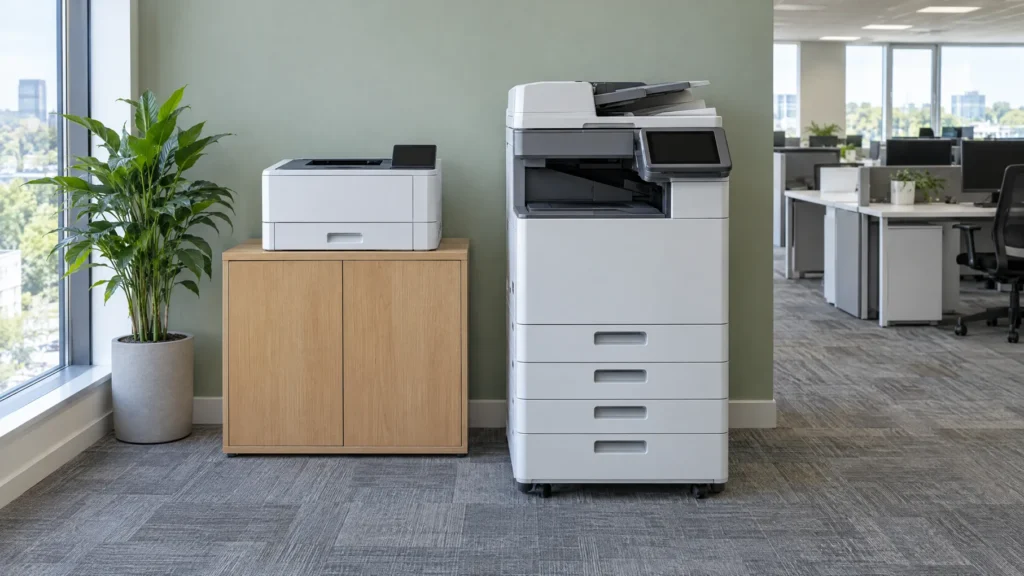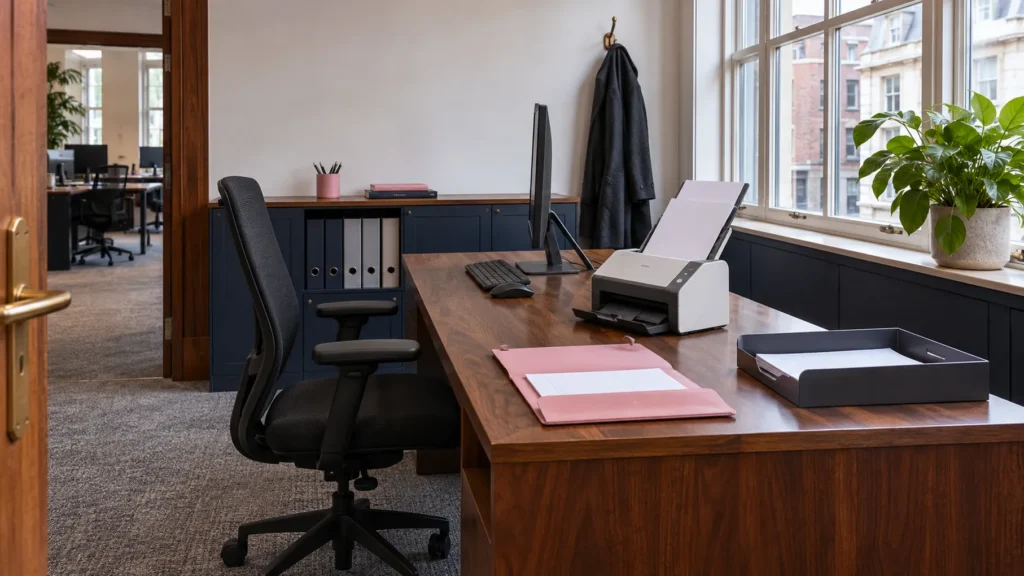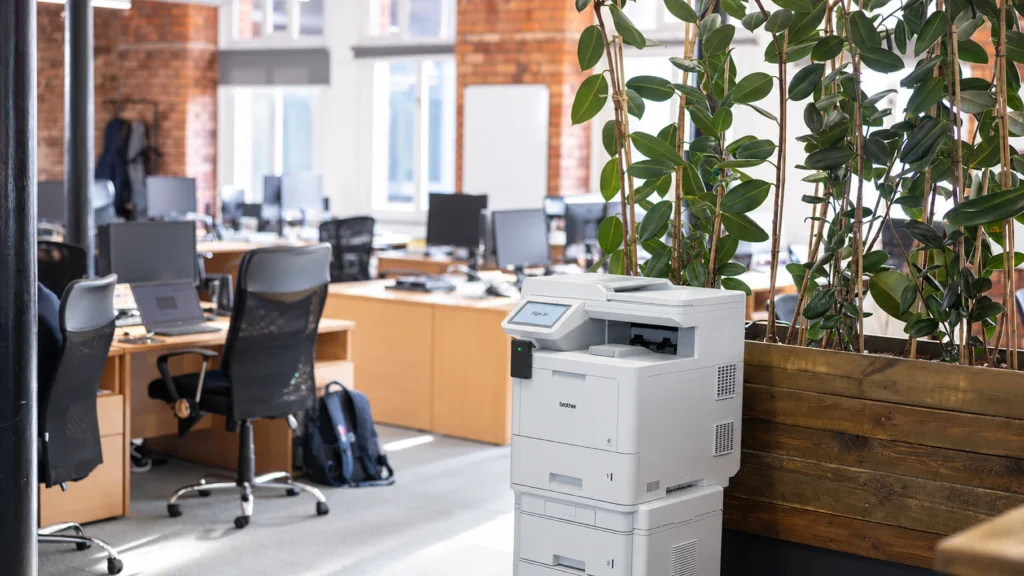
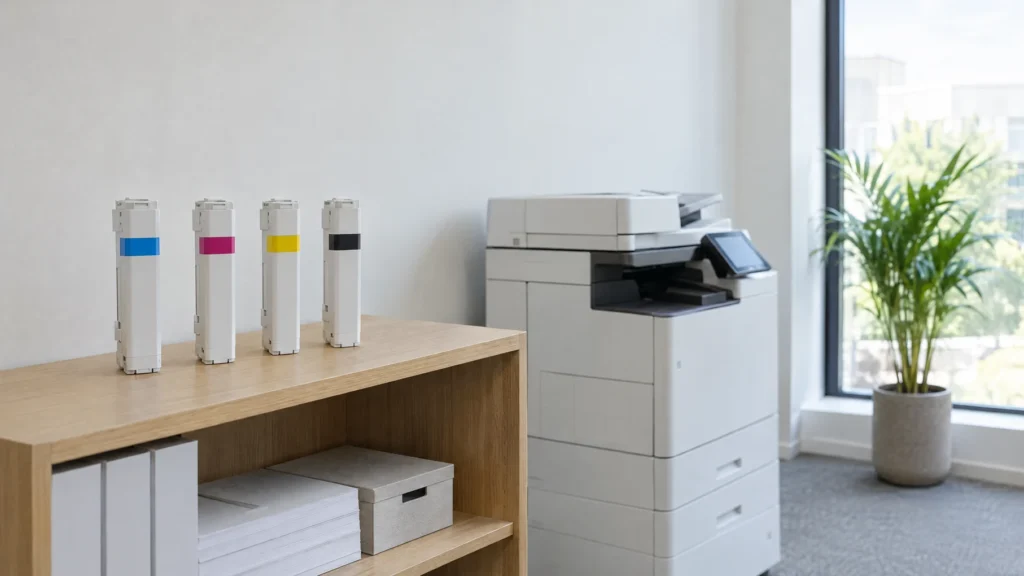
Most offices know what their printer cost, or what the lease costs each month. Far fewer know what they spend on printing in total, because the bill arrives in pieces: a toner order here, an engineer callout there, a pallet of paper, a few hours of IT time chasing a jammed tray. No single invoice shows the full figure, so nobody owns it.
That is the problem print cost management solves. Print cost management means knowing what every page costs you, all in, and then changing the set-up so that figure falls. The machine price matters far less than people expect. What decides your print bill is the cost per page once toner, servicing, paper, energy and wasted prints are counted.
This guide explains what goes into that number, how to work it out from the invoices you already have, where the hidden costs sit, and which changes bring the figure down. It is written for office managers, finance leads and anyone who signs off the print budget. If you would rather hand the whole job to a provider, our managed print services page explains how we take it on.
Key takeaways
- The real cost of a printer is the cost per page, not the price of the machine.
- On Insight's managed fleets, a mono page costs around a tenth of a colour page.
- Rated toner yields are a comparison tool; heavy pages use toner faster than the box suggests.
- Wasted prints, ad hoc toner and idle devices rarely show up on any single invoice.
- Print cost management starts with measuring, so a free print audit is the sensible first step.
What does a printed page really cost?
A printed page costs the sum of every running cost behind it, divided by the pages you print. That includes toner, parts and servicing, paper, the energy the device uses, and a share of the lease or purchase price. Colour pages cost far more than mono: on Insight's managed fleets, mono costs about a tenth of colour per page.
Most offices only see the first of those costs. Toner is the visible spend, because someone orders it, so it feels like the whole story. Servicing hides in a separate contract or in one-off callout charges. Paper sits in the stationery budget. Energy disappears into the building's electricity bill, and the device itself sits on the balance sheet or in a monthly lease line. Each budget holder sees a fragment, and the total never appears on one page.
That is why the cost per page is the number worth tracking. It turns a scattered set of bills into one figure you can compare across devices, departments and suppliers. A machine with a low price and expensive toner can cost more over three years than a dearer machine with cheap pages. Our free print audit works from this figure for that reason.
Toner yield and why your pages may cost more than the box says
Toner cartridges carry a rated page yield, measured under the international standards ISO/IEC 19752 for mono and ISO/IEC 19798 for colour. These tests use a standard test page, and HP's explanation of the standard notes that it tests at least nine of each cartridge, so the ratings let you compare brands fairly. According to Xerox's toner yields guide, the rating is "a comparative statistic and not a predictive tool".
The deciding factor is page coverage: how much of the page the toner covers. Xerox's guide puts the average office mono page at 4% to 5% coverage, and says pages at about 5% can expect yields close to the rated figure. Logos, photographs, shaded tables and dense small print push coverage up and yields down. The colour standard assumes around 20% coverage, so a team printing photo-heavy reports will get fewer pages per cartridge than the box suggests.
Drums, fusers and maintenance kits sit outside the ISO yield standards altogether, so their life depends on each manufacturer's own testing. They are among the parts that make servicing costs vary from one device to the next.
How to work out your own cost per page
You can work out a rough cost per page from invoices you already hold. Add up everything you spent on printing over the last twelve months, then divide by the number of pages printed in the same period. Do it separately for mono and colour if you can, because the two figures differ so much.
The page counts are the easy part. Every office printer and multifunction device (MFD) keeps a page counter, usually split into mono and colour, which you can read from its settings menu or its configuration report. Note the readings on the first day of your twelve-month window, or use the readings on your last service invoice, and compare them with today's figures.
The costs take more digging, because they sit in different places. Gather them in this order:
- Toner and other consumables: every cartridge order across the year, including ones bought on a company card or from a retailer in a hurry.
- Servicing and parts: the service contract, plus any callout charges, replacement drums or fusers billed separately.
- Paper: the year's paper orders, which often sit in the stationery budget.
- The device itself: the year's lease payments, or the purchase price spread over the years you expect to keep the machine.
- Energy: the device's typical electricity use from its data sheet, multiplied by your unit rate, if you want the full picture.
Add the five together and divide by the pages printed. The result is your all-in cost per page. If one device or department comes out far higher than the rest, that is where to look first.
Treat the figure as an estimate rather than an exact number. Staff time spent clearing jams, ordering toner and fixing connection problems does not appear on any invoice, yet it costs real money. Print cost management is easier once a provider measures this for you, because a managed device reports its own page counts and faults, and the per-page rate is set in the contract.
| Cost | What it covers | Where it hides |
|---|---|---|
| Device | Lease payments or the purchase price spread over its life | The lease line or the balance sheet |
| Toner and consumables | Cartridges, waste toner bottles and staples | Ad hoc orders on company cards |
| Servicing and parts | Engineer visits, drums, fusers and repairs | Separate contracts and one-off callout bills |
| Paper | Plain paper, letterhead and card | The stationery budget |
| Energy | Power to run and warm up each device | The building's electricity bill |
| Downtime | Staff waiting for a repair or walking to another floor | Nowhere: it never appears on an invoice |
| IT and admin time | Driver problems, toner orders and supplier calls | Salaries |
| Wasted prints | Jobs never collected, colour used where mono would do | Toner and paper orders |
| Security incidents | Confidential pages left on the tray or sent to the wrong device | Investigation and breach costs |
What are the hidden costs of printing?
The hidden costs of printing are the ones no single invoice shows: toner bought ad hoc at retail prices, colour used where mono would do, devices nobody uses, staff time lost to faults, prints nobody collects and the risk of confidential pages left on the tray. Together they often cost more than the visible spend on toner.
When we audit an office, the savings tend to be obvious once the volumes are written down: devices nobody uses, colour jobs that could have been mono, and toner bought at retail prices instead of on contract. None of these feel expensive on the day. A spare desktop printer in a meeting room still needs its own toner, its own servicing and its own space, even if it prints a handful of pages a week.
Colour is the biggest lever for most offices. When colour costs around ten times as much as mono, a team that prints internal drafts in colour by default pays a premium for pages nobody needed in colour. A simple default to mono, with colour available when someone chooses it, changes the bill without changing how anyone works.
Uncollected prints are the quietest waste. Someone sends a job, gets pulled into a meeting, and prints it again later from a different floor. The first copy goes in the recycling bin, along with its toner and paper. Our guide to secure print management explains how holding jobs until the user releases them at the device stops this from happening.
Those uncollected pages carry a second cost: risk. Quocirca's 2026 print security study, a survey across the UK, France, Germany and the US, found 67% of organisations had at least one print-related data loss in the past year, with each breach costing just over £1 million on average. Those figures come from IT decision makers in four countries rather than from small offices, but the cause is the same at any size: confidential pages left where anyone can pick them up. We covered more of these costs in an earlier piece on the hidden costs of printing.
Which cost effective printing solutions make the biggest difference?
The most cost effective printing solutions are the ones that fix your cost per page and stop waste at the source: a contract with toner and servicing included at an agreed rate, mono and double-sided printing by default, secure release so uncollected jobs never print, fewer and better-placed devices, and automatic toner delivery. Each one turns a variable bill into a planned one.
An agreed cost per page with toner included is the foundation. It replaces ad hoc cartridge orders and surprise repair bills with one rate per page, so the budget follows the work. It also moves the risk of a poor-yield cartridge or a failed fuser on to the provider, who has a reason to keep the device running well.
Print rules come next. Defaulting every job to mono and double-sided, and prompting staff when they choose colour, cuts the most expensive pages first. Secure release then stops paying for prints that nobody collects. Neither change asks staff to work differently; both simply change what happens when they press print.
Right-sizing the fleet often saves more than any single setting. Fewer, better-placed devices mean less toner stock, fewer service visits and less energy, and an MFD that scans and copies can replace several single-purpose machines. A count of devices against the pages each one prints usually shows which ones to retire.
Monitoring keeps the savings in place. Devices on a managed contract report their own toner levels and faults, so replacement toner arrives before it runs out and engineers know what is wrong before they visit. Our guide to automated print monitoring explains how this works. Our service centre in Kent fixes roughly a quarter of faults remotely, and across all customers our average response time is 2.22 hours.
You will not be alone in looking at this. In Quocirca's 2025 managed print study of 400 IT decision makers in organisations of 250 staff or more, cost and security led the list of print management challenges, and cost was the main reason firms would consider changing provider, cited by 47%. If you want to see which of these changes would matter most in your office, a free print audit measures it for you before you change anything.
Source: Insight Systems, as published on insightsystems.co.uk, Nov 2026.
Is it time to measure your print costs?
If you cannot say what a page costs your office today, the answer is yes. Print cost management begins with a measured figure, and the effort of gathering invoices and meter readings is usually what stops offices from starting.
A free print audit does that work for you. We assess how you print now, across every device and every site, and report what you print, what it costs in energy and consumables, and what a different set-up would save. If the report says your current set-up is already the right one, that is what it will say. Our article on what a print audit shows you walks through the report itself. Request yours below and we will come back within one working day to arrange a time that suits you.
Frequently asked questions
There is no single good figure, because the right cost per page depends on the device, how much colour you print and what the rate includes. Compare like with like: mono and colour separately, and every cost included, from toner and servicing to the device itself. A low toner price can hide expensive servicing. The safest benchmark is an agreed rate in a contract that includes toner, parts and servicing, measured against your own current all-in figure, which a print audit will work out for you.
A colour page uses four toners instead of one, and colour pages cover far more of the sheet. Xerox's toner yields guide puts the average mono office page at 4% to 5% coverage, while the ISO colour standard assumes around 20%. More toner per page means fewer pages per cartridge, and colour devices also carry more parts to service. On Insight's managed fleets, mono costs about a tenth of colour per page, so a default to mono is one of the quickest savings available.
On Insight's fully managed agreements, the monthly figure covers the device matched to your volume, inclusive toner and consumables, parts and servicing, secure print management software, installation, setup and team training, and upgrades to newer models. The point of the contract is that the cost per page is agreed in advance. You stop buying toner, stop paying for callouts and stop absorbing the cost of a cartridge that runs out early. Whichever provider you choose, check what sits outside the rate.
Start by counting devices and reading their page counters, then set every computer to print mono and double-sided by default. Retire printers that print only a handful of pages, and stop buying toner ad hoc from retailers. A small office often saves most by replacing several desktop printers with one well-placed multifunction device on a contract with toner included. A free print audit will show which of these changes is worth making first, at no cost and with no obligation.
Our free print audit measures what you print, what it costs in energy and consumables, and what a different set-up would save, across every device and every site.
Request a Free Print Audit