A client statement left on an output tray can become a data breach before anyone notices. So can a leased copier returned at the end of its term with every job still on its drive. For banks, insurers, accountants and law firms, secure printing solutions for finance and legal work close both gaps.
Secure printing means a job only prints when its owner is at the device. Every print, scan and copy is tied to a named user, and the data a device stores is protected in use and wiped before it leaves.
This guide sets out what UK GDPR, the SRA and the FCA expect of your printers, and the controls we deploy for finance and banking clients. We checked every rule and figure in Sep 2026.
Key takeaways
- Printers fall under the same UK GDPR, SRA and FCA duties as email and case files.
- Secure print release holds each job until its owner signs in at the device.
- An audit trail shows who printed, scanned or copied what, and when.
- Wipe or destroy a device's drive before it leaves your control, including at lease end.
Why do finance and legal firms need secure printing?
Finance and legal firms need secure printing because the duties covering case files and email cover paper and devices too. A page picked up by the wrong person, a scan sent to the wrong address or a drive that leaves with a returned machine is a disclosure like any other. A regulated firm answers for it in the same way.
Print is a live risk. Quocirca's 2026 print security study surveyed 400 IT decision makers in the UK, France, Germany and the US. It found that 67% of their organisations had at least one print-related data loss in the past year.
By our count of the ICO's incident data, the legal sector reported 962 incidents in 2025 and finance, insurance and credit reported 1,069. More than a third of the legal incidents were emails to the wrong recipient, and 9% were letters or faxes to the wrong address. The ICO's data covers only reported incidents.
The machine itself is exposed in three ways: it shares your network, it keeps a drive of past jobs, and many arrive with the factory password unchanged. Our cyber security audit checks the printer alongside every other device.
Sources: Quocirca, 2026; ICO data security incident trends, 2025, our count; ICO breach guidance.
What do UK GDPR, the SRA and the FCA expect from your printers?
UK GDPR asks for appropriate security for personal data, and a report to the ICO within 72 hours of finding a notifiable breach. The SRA Code asks solicitors to keep client affairs confidential. The FCA asks for effective systems and controls. None of them makes an exception for the printer.
The ICO's guide to personal data breaches gives sending personal data to an incorrect recipient as an example of a breach. A statement collected by the wrong person fits that description. UK GDPR's answer is "appropriate technical and organisational measures", which for print means control over who collects a job and what the device keeps.
Paragraph 6.3 of the SRA Code of Conduct for Firms requires firms to keep the affairs of current and former clients confidential. The SRA's confidentiality guidance even lists separate servers and printers as one way to keep clients' information apart. For regulated finance firms, the FCA's Financial Crime Guide asks how a firm disposes of "photocopiers that retain records of copies".
Our 2021 guide to GDPR and print management covers the basics, and the table maps each rule to its control.
| Rule or guidance | What it asks | What it means for print |
|---|---|---|
| UK GDPR security principle | Appropriate security for personal data | Secure release, sign-in and protected device storage |
| UK GDPR breach reporting | Notifiable breaches reported within 72 hours | A log of what printed or scanned, by whom and when |
| SRA Code, paragraph 6.3 | Client affairs kept confidential | No uncollected pages; separate printers where teams need barriers |
| FCA SYSC 3.2.6R and FCG 5 | Effective controls and safe disposal of copiers | A recorded wipe or destruction of every drive |
| Cyber Essentials v3.3 | Secure settings and prompt updates | Default passwords changed; critical updates within 14 days |
| NCSC sanitisation guidance | Storage sanitised before a device leaves | Drives wiped or destroyed at lease end or before repair |
What is secure print release?
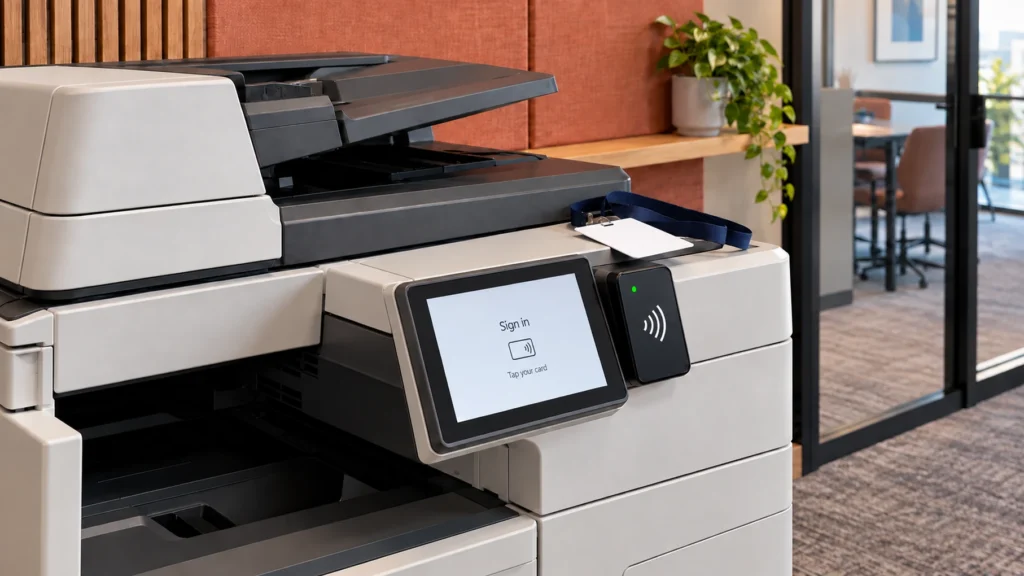
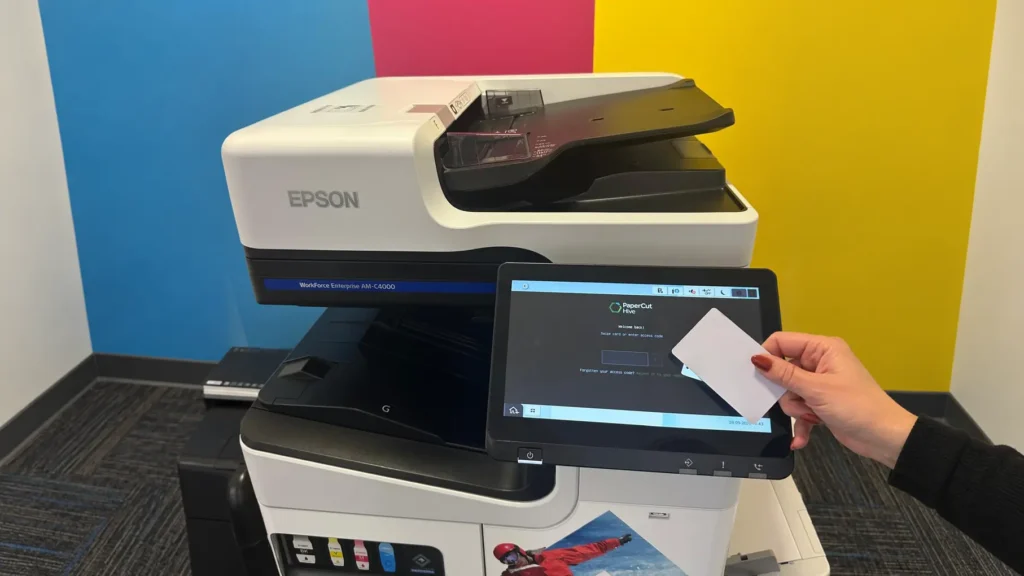
Secure print release holds a job on a server or in the cloud until the person who sent it proves who they are at the device. They use a card, a PIN or a phone app. Nothing prints into an empty room, so nothing waits on the tray for someone else to read.
Our secure printing solutions for finance and legal firms start here. Release can use the door-entry cards staff already carry, so nobody learns a new habit. Find-me printing goes a step further: the job follows the person to whichever enabled device is nearest.
We deploy three platforms. PaperCut MF runs on your own servers or private cloud. PaperCut Hive runs in the cloud and releases from a phone, and Tungsten Printix releases from an app, an ID badge or a code. Hive works across printer brands, which helps in a mixed fleet.
How do print audit trails help after a mistake?
An audit trail ties every print, scan and copy to a named user, a device and a time. When a page goes missing or a scan goes astray, you can see what left, who sent it and where. That tells you quickly whether the ICO must hear about it.
The 72-hour clock starts when you become aware of a breach, not when you finish investigating it. On Tungsten Printix, every print is tied to a signed-in user, so you can show who printed what, where and when. PaperCut ties every job to a user too.
Scanning needs the same care. Smart scanning can lock scan-to-email to the sender's own address, so a scanned contract cannot reach the wrong inbox.
What happens to the data on a printer's hard drive?
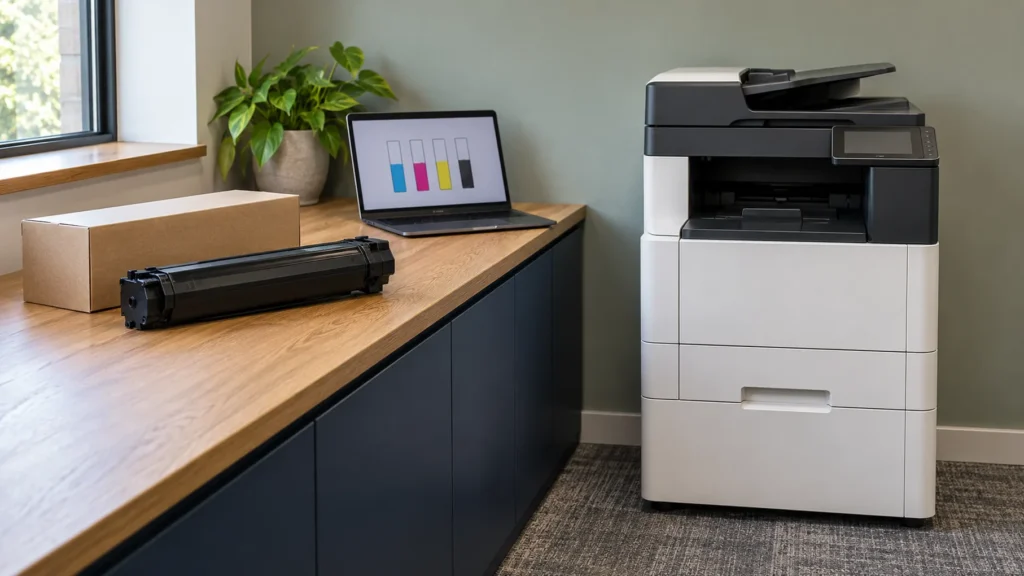
Most multifunction printers keep jobs on an internal drive or memory while they work. That data needs protecting while the machine is in use. It then needs wiping or destroying before the device leaves your control, whether a lease is ending or a faulty unit is going for repair.
The NCSC's guidance on sanitising storage media notes that several gigabytes of sensitive documents have been recovered from decommissioned photocopiers and printers. It advises sanitising any media that held sensitive data before the device leaves your control.
The FCA's guide also asks regulated firms whether accredited suppliers destroy their hard disks. Whoever supplies your devices, ask how each drive is wiped or destroyed, when, and what record you receive. We configure each device's security settings, handle end-of-life data destruction and offer a free security audit of your office equipment.
What does print security for law firms look like in practice?
It comes down to four controls. Jobs release at the device, everyone signs in, scans go only to the sender and drives are wiped on the way out. Two of our deployments show the pattern, one in legal services and one in finance.
The Martin Tolhurst Solicitors case study shows what print security for law firms looks like day to day. The Kent firm has more than 160 people. Because document security matters so much in legal work, we put in PaperCut with secure print release, user permissions and print tracking. The case study records over £35,000 saved on print through PaperCut.
For an unnamed global card payments business, we built secure printing into the building's own security systems and added smart scanning and full reporting. No figures are published for it.
Is your firm's printing ready for an audit?
Our cyber security audit starts with four questions that work as a self-check. Have you audited what your office devices store in the last 12 months? Does a print job wait until the person is at the device? Has your team had security training in the last year? Do you know what happens to a drive when a device leaves?
If any answer is no, a free print audit shows what your firm prints, what it costs and which of these controls you already have. We hold ISO 27001, the information security standard your own auditors ask about.
Frequently asked questions
Yes. Printing, scanning and copying personal data all count as processing under UK GDPR, including the copy on a device's drive. A page collected by the wrong person or a scan sent to the wrong address can be a personal data breach. A notifiable breach must be reported to the ICO within 72 hours of becoming aware of it.
Most multifunction printers do. They are built around a computer with a hard drive or memory that holds the jobs they print, scan and copy. That data can stay long after the job is done. Security settings can overwrite it as they go, and the drive should be wiped or destroyed before the device leaves.
Yes, if it is left on factory settings. A networked printer is a computer on your network, and many keep a default admin password nobody changes. Firmware that is never updated leaves known holes open. The Cyber Essentials requirements expect critical and high-risk fixes within 14 days of release, and printers need the same care.
Not by name. The NCSC's Cyber Essentials requirements (version 3.3, April 2026) apply to in-scope devices that can accept connections from, or make connections to, the internet. A multifunction printer that scans to the cloud or fetches its own updates fits that description, so include it when you set your scope.
It should be wiped or destroyed before the device leaves your control, as the NCSC advises for any storage that has held sensitive data. Ask your provider how it is done and what record you get. We manage the data on every device through to end of life, so no drive leaves with your data on it.
A free print audit shows what your firm prints, what it costs and where the exposure sits, including which of these controls you already have. No obligation, and you keep the findings whatever you decide.
Request a Free Print Audit