Print rarely reaches the top of a school's list until the lease runs out. Then a business manager has a fleet to replace, governors to satisfy and a buying process that looks like it will take longer than the summer holidays allow.
The CPC framework for schools removes that second problem. It is a national purchasing agreement, run by the Crescent Purchasing Consortium and recommended by the Department for Education, that has already tested the market and vetted every supplier on it. A school, academy or college can appoint a supplier from it directly, with no tender to run.
This guide covers how that route works, the two other compliant frameworks that cover the same purchase, what changed for academy trust leases in 2024, and what to settle before you appoint anyone. It draws on how we run managed print services for schools ourselves, so where a figure is ours rather than published guidance, it says so.
Key takeaways
- The CPC framework for schools lets you appoint a supplier directly, with no tender to run.
- CPC is recommended by the Department for Education and free for schools and trusts to join.
- Since Sep 2024, academy trusts have not needed consent to lease a photocopier.
- Procurement Services and NEPA 3 are two more compliant routes to the same purchase.
- Direct award suits a straightforward replacement, further competition suits a whole fleet.
What is the CPC framework, and who can use it?
The Crescent Purchasing Consortium is a national purchasing organisation owned by the education sector, and membership costs schools, academies, trusts and colleges nothing. Its frameworks have already advertised, competed and awarded the contract, so a member can buy from the suppliers on them without repeating any of that work.
Printers sit on CPC's multifunctional devices framework, tender reference CPC/KJ/01/2024, awarded under the Public Contracts Regulations 2015. It runs from 8 Apr 2025 to 1 Apr 2028, with an option to extend it to Apr 2029. Lot 1 is the one a school needs: devices from small desktop units up to high-volume machines that print, scan and copy, on lease or outright purchase, with the supplies, software and services around them.
The Department for Education recommends this framework to schools and academies, which is what matters when a governing board asks whether the route is defensible. We are an approved supplier on Lot 1, so a school appointing us is using the lot the framework was built for.
How do you buy printers through the CPC framework?
Four ways, and a school picks the one that fits the purchase. A direct award appoints a supplier from the framework with no competition. A further competition asks the suppliers on the lot to bid against your requirement. CPC also offers a direct award desktop calculator and a hybrid route that competes on price alone.
CPC says a direct award suits low value or low complexity requirements, goods only one supplier provides, continuity or additions to something you already run, and urgent one-off purchases. Replacing a single device, or adding one to a fleet you are happy with, sits squarely in that description.
A whole-fleet replacement does not. If a trust is putting twenty machines across four sites out to the market on a five-year term, a further competition gives it real pricing and a paper trail it can defend. CPC's own quote tool runs that free of charge below £207,720.
One administrative step catches schools out. The framework was awarded under the 2015 regulations, but the Procurement Act 2023 governs how notices get published. So CPC asks members to register on the Find a Tender Service, then add their organisation's identifier to CPC's portal before running a mini competition. That takes minutes in advance, and rather longer on the afternoon you meant to publish.
The sequence looks like this:
- Register with CPC, if the school is not already a member.
- Read the framework user guide and confirm Lot 1 covers what you are buying.
- Meter what the school actually prints, before you specify anything.
- Choose a direct award or a further competition, and write down why.
- Appoint the supplier and sign CPC's pre-agreed call-off terms.
- Keep the decision note with the contract for your auditors.
Step three is the one schools skip, and it decides whether the contract still works in year three. A free print audit meters every device across your sites, so the specification follows what the school prints rather than what the last supplier happened to install.
The rest is paperwork the framework has already done, which is why DfE guidance treats a framework agreement as Route 1 of the five buying routes, the one route where a school may select its supplier directly.
CPC, Procurement Services or NEPA 3: which route suits your school?
CPC and Procurement Services both target schools and academies, and the Department for Education recognises both, so either works for a normal school purchase. NEPA 3 is run for higher education and the wider public sector, which makes it the natural route for a college or a university rather than a primary.
Procurement Services, formerly K.C.S, runs framework Y26009. We hold two lots on it: Lot 1 for multifunctional devices and Lot 3 for heat-free inkjet printers. The second lot is worth knowing about if energy use is on your improvement plan, because heat-free devices have no fuser to bring up to temperature.
NEPA 3 is the National Education Printer Agreement, led by the North Eastern Universities Purchasing Consortium. It runs from 1 Apr 2025 to 31 Mar 2028, with an optional 12-month extension, and a buyer can appoint from it by direct award, desktop exercise or further competition. Its four lots cover non-managed equipment, managed print including multifunction devices, production print and a combined option, as NEUPC set out at launch. It is open to members of five partner consortia, so check eligibility first.
We supply through all three, so the route makes no difference to what a school gets from us. That means the practical answer is the least interesting one: use the framework you already belong to. All three sit among the DfE-approved buying options a school can check for itself, and all three end in a compliant contract.
| Route | Who runs it | What it covers for print | Who it is built for | How you appoint a supplier |
|---|---|---|---|---|
| CPC framework, Lot 1 | Crescent Purchasing Consortium, owned by the education sector | Devices, supplies, software and services, on lease or purchase | Schools, academies, trusts, colleges, universities | Direct award, desktop calculator or further competition |
| Procurement Services Y26009, Lots 1 and 3 | Procurement Services, formerly K.C.S | Lot 1 multifunctional devices, Lot 3 heat-free inkjet printers | Schools, academies, local authorities, publicly funded bodies | Direct appointment, no tender to run |
| NEPA 3 | NEUPC, with five partner consortia | Four lots covering non-managed, managed, production print and a combined option | Higher education and the wider public sector | Direct award, desktop exercise or further competition |
| Your own buying process | Your school or trust | Whatever you choose to specify | Anyone, when nothing on a framework fits | Advertise it, run it, evaluate and award it yourself |
Can a school lease a photocopier without DfE approval?
An academy trust can. Since 1 Sep 2024 the Secretary of State for Education has granted prior consent for leases of IT equipment, and the published list names photocopiers directly. A trust does not have to ask for consent on a lease the list covers, and leases already in place before that date are covered too.
This matters because a trust's funding agreement requires consent for borrowing, which used to pull everyday equipment into a process built for far larger commitments. The class consent published by the Department for Education covers printers, photocopiers, servers and touchscreens, alongside telephony, catering equipment, furniture and minibuses. Land and buildings still need consent.
The accounting side changed more recently. From 1 Sep 2026, academy trusts apply the lease requirements of Charities SORP 2026, which brings in a single lessee model under the revised FRS 102. The split between operating and finance leases stops applying to most leases. A trust now works out whether an arrangement contains a lease at all, and whether a short-term or low-value exemption applies. Where neither does, it goes on the balance sheet as a right-of-use asset with a matching liability.
None of that stops a school leasing a printer, but your finance lead now wants the term, the figures and the end date early rather than at signature. Maintained schools sit under a separate arrangement, because their local authority prepares the accounts their leases appear in, so check your authority's scheme for financing schools first.
What should a school specify before it appoints anyone?
Five things decide whether the contract still makes sense in year three. What the school really prints across a full year, who may print in colour, and how documents are released at the device. Then what the reporting shows a trust site by site, and who turns up when a machine stops.
Volumes come first, and a term-time average is the wrong basis for them. Report season, exam packs and letters home produce weeks that look nothing like the rest of the year, so we size devices for those peaks rather than for a quiet Tuesday in November. Undersize the fleet and the busiest fortnight is the one that fails.
Colour is usually where the money sits. A rule that defaults to mono and double-sided, and limits colour to the people who need it, moves the monthly figure more than any hardware choice. We deploy PaperCut MF, PaperCut Hive and Tungsten Printix for that, and which one fits depends on whether you want a server on site or a cloud service, not on which is better.
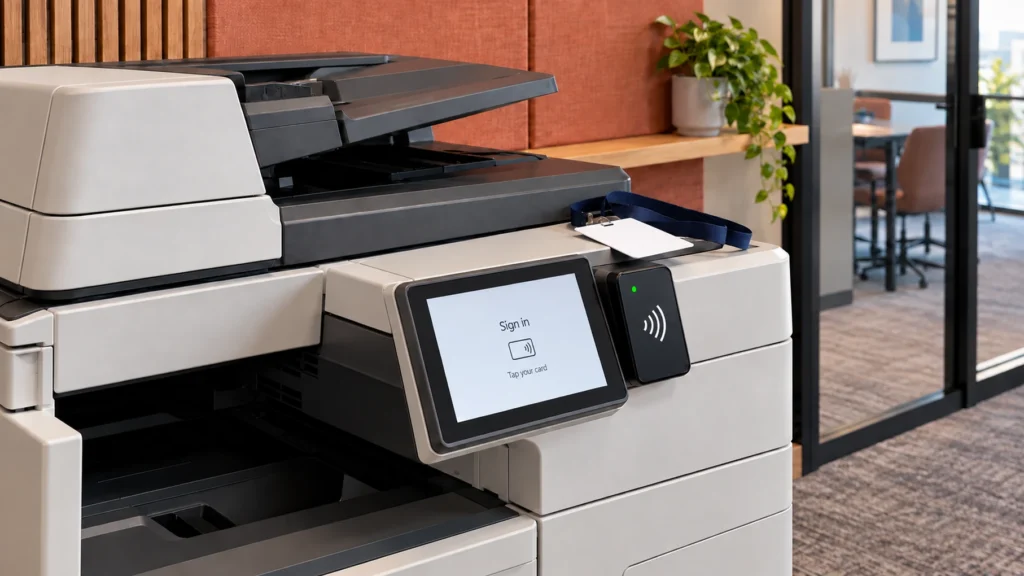
Secure release belongs in the same conversation, because documents wait in the queue until the person who sent them is standing at the device. That clears the tray of unclaimed printing and keeps pupil records away from anyone passing, which makes it a data protection question as much as a cost one.
Reporting turns a fleet into something a trust can manage, because usage by user, department and site lets a central team ask why one school prints three times what another does. Last, ask who employs the engineer: ours are our own people, and our published average response is 2.22 hours.
What do managed print services for schools cost?
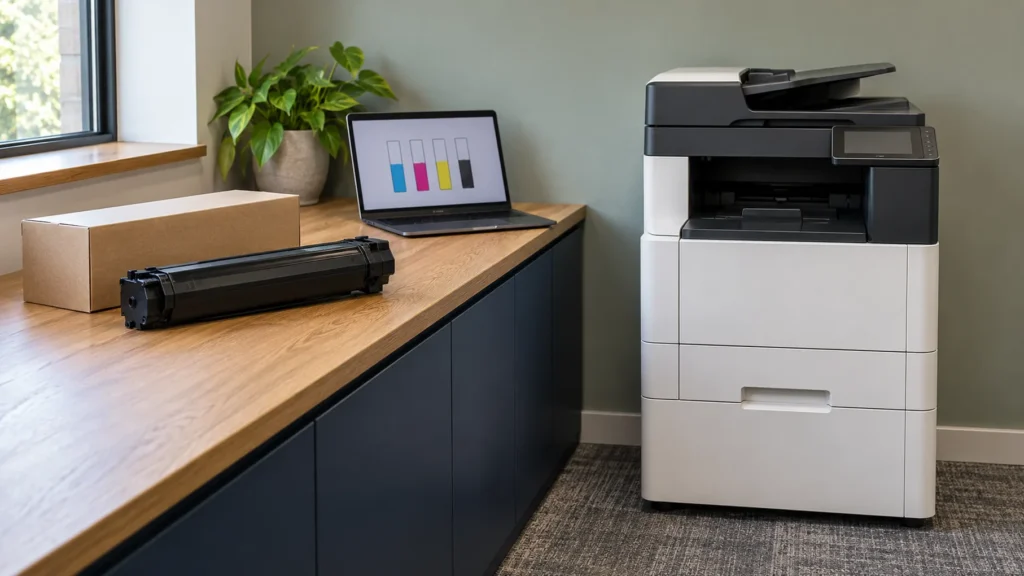
Schools budget for the device and then pay for six things. Our education page sets out the other five: toner, paper overuse, maintenance and emergency repairs, energy, and replacing parts as machines age. Across our customers, managed print cuts print costs by up to 40%, and most of that saving comes from the five nobody put in the budget.
We do not publish price bands here, because a school's monthly figure depends on its volumes, its colour ratio, the devices it needs and the term it signs. What is worth knowing is which band the purchase falls into for procurement. DfE guidance on buying routes calls spending under £10,000 low, £10,000 to £40,000 medium, and anything over £40,000 high. A multi-site fleet lands in the high band, which is where a framework saves the most work.
Only one of the three savings is the price of the machine. Volume you stop printing is the largest, which is why the software rules matter, followed by consumables at framework pricing and fewer engineer visits, because faults get caught remotely before anyone reports them.
Published results give some sense of the scale. At a Norfolk secondary and sixth form academy of around 1,250 students, our managed fleet delivered up to 45% faster printing against the previous machines, lower CO2 emissions than the laser devices it replaced, and full compliance. We report that CO2 result as a comparison rather than a measured percentage, because that is how it was measured.
At Headstart School, an SEN school that came to us with inconsistent service and lease costs it could not justify, the work was as much about reliability as price.
When to start, and how the academic year shapes it
Timing is the part schools get wrong most often, and it has nothing to do with procurement rules. The summer holidays are the only stretch with no lessons to disrupt, so a fleet changeover belongs there, which puts the buying decision in the spring term rather than in July.
Lease end dates rarely help. A contract signed in November ends in November, which drops the changeover into report season, and a school that waits for the natural end date inherits that timing for the length of the next agreement. Aligning the new agreement to the academic year is usually worth a short bridge.
Auto-renewal deserves a diary entry of its own, because plenty of print agreements roll over unless the customer gives notice, and that window often falls in August when the building is empty. Find your notice period now, whoever your supplier is, and allow for lead time on the hardware.
Is the framework route right for your school?
For most schools, yes. If you are replacing one or two machines and already know who you want, a direct award through the CPC framework for schools is the shortest compliant path there is. If you are replacing a fleet across a trust, a further competition on the same framework gives real pricing without the cost of a tender.
The case for running your own process is thin, and it rests on whether anything on the frameworks fits what you need. If your requirement is unusual enough that none does, that is a real answer worth reaching honestly rather than forcing a framework to cover it.
Either way, start with the numbers rather than the machines. A print audit tells you what your school prints today, what it costs and where the waste sits, and it is the document that makes every later decision straightforward.
Frequently asked questions
The Crescent Purchasing Consortium runs national purchasing agreements owned by the education sector. Its multifunctional devices framework has already advertised, competed and awarded the contract centrally, so a member school can appoint a supplier from it without running a tender of its own. The Department for Education recommends the framework to schools and academies, and Lot 1 covers printers, photocopiers, supplies and managed print.
Yes, if it buys through a framework agreement. DfE guidance lists using a framework as the first of five buying routes, and it is the route where a school may select a supplier directly, because the competition already happened when the framework was awarded. You still record why you chose that supplier and keep the note with the contract, but there is no advertisement to place and no bids to evaluate.
No. Since 1 Sep 2024 the Secretary of State for Education has granted prior consent for leases of IT equipment, and photocopiers are named on the published list alongside printers, servers and touchscreen boards. A trust does not submit a request for a lease the list covers, and leases in place before that date are covered too. Leases outside the listed categories, such as land and buildings, still need consent.
Yes. Membership costs nothing for schools, academies, multi-academy trusts, colleges and universities, and there is no charge for using the framework itself. CPC's quote tool, which runs a further competition for you, is free to members on purchases below £207,720, with its sourcing cloud covering larger requirements. The consortium is owned by the education sector rather than by a supplier.
A direct award appoints a supplier from the framework without asking anyone else to bid, which suits a straightforward or urgent purchase, a continuation of something you already run, or a low value requirement. A further competition asks the suppliers on the lot to price your requirement, which suits a fleet, a multi-site trust or a long term. Both are compliant, and the second usually returns a keener price.
A free print audit meters every device across your sites and puts a real number on what you spend today. Nothing to pay, no obligation, and you keep the findings whatever you decide.
Request a Free Print Audit