Ask a retailer with twenty shops what printing costs them, and the honest answer is often a guess. Each store sorted out its own printer years ago, on its own contract, and head office never sees the whole picture.
Multi-site print management fixes that. It means running every printer, copier and label printer across your stores, warehouse and head office as one fleet: one contract, one set of drivers and controls, toner that arrives before it runs out, and one report of what each site prints and costs.
This guide draws on our work in managed print for retail, with every rule and figure checked in Sep 2026.
Key takeaways
- Multi-site print management puts every store, pop-up and warehouse on one contract and one invoice.
- Remote monitoring and automatic toner do the job of the print person no store has.
- Serverless print management suits shops with no server and no IT staff.
- Unit prices must be clearly legible since 6 Apr 2026, so plan labels with the fleet.
- Wipe a device's drive before it leaves a closing or refitted store.
What goes wrong when every store runs its own printers?
When each store manages its own printers, the cost spreads across dozens of contracts and invoices, nobody owns support, and head office cannot see what any site prints. Old devices stay in service because no one has the full picture, and one failed printer can hold up a till queue or a delivery.
The ONS count of UK businesses for 2026 puts 215,925 retail businesses in the UK, trading from 302,340 sites. Kent alone has 4,450 retail businesses and 6,490 retail sites.
Devices bought one store at a time age at different rates. Support depends on whoever answers the phone, and toner is either ordered in a hurry or left in a cupboard for machines long gone. A managed print service replaces that patchwork with one fixed monthly cost covering every device, supply and support call.
How does multi-site print management work?
One provider takes on every device at every site and runs them as a single fleet. A universal print driver and central fleet management software tie the devices together, remote monitoring picks up faults, toner is sent automatically, and head office gets one invoice and one view of usage by store.
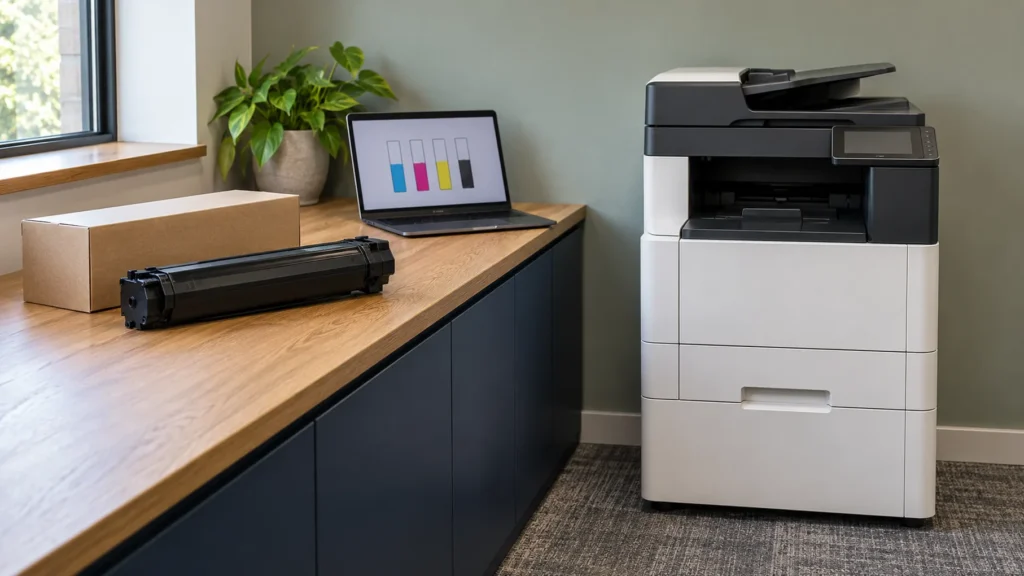
Flagship stores, pop-ups and the warehouse share one contract, but each gets the device it needs: a multifunction device for a busy back office, a compact printer for a pop-up. With remote device management, faults often reach the provider before a store thinks to call, so nobody drives across the county with a toner cartridge on a Saturday.
The reporting is where the value sits: usage by store, device and user shows which sites print more than they need, which devices sit idle and where colour is used out of habit. A retail printing solution that stops at supplying the device misses most of that.
What should a retailer specify at each estate size?
It depends on how many sites you run. A handful of shops mainly needs support and supplies taken off its hands, a growing estate needs serverless print and central visibility, a national chain needs one driver and one invoice, and a large estate needs standardisation.
| Estate size | What changes | What to specify |
|---|---|---|
| 1 to 5 stores | Nobody looks after print, so support is the real gap | A compact device per store, a multifunction unit where paperwork lands, automatic toner and one invoice |
| 6 to 25 stores | Flagships, pop-ups and a warehouse start to need different devices | Serverless print management, proactive support and one view of usage across the estate |
| 26 to 100 stores | Devices need tailoring to each store format | A deliberately mixed fleet, a universal print driver, automated toner and consolidated invoicing |
| More than 100 stores | Most faults go unreported unless detected centrally | Standard drivers and consumables, remote monitoring by default and our own engineers at a 2.22 hour average response |
Do shops need a print server?
No. Serverless print management keeps print queues and drivers in the cloud rather than on a server in the building, and holds each job until the sender releases it. There is no print server in the stockroom to install, patch or replace, and nobody on site has to look after one.
The two cloud platforms we deploy both work this way. PaperCut Hive is hosted on Microsoft Azure, and many sites are up and running in around 20 minutes. Tungsten Printix releases jobs from an app, an ID badge or a code.
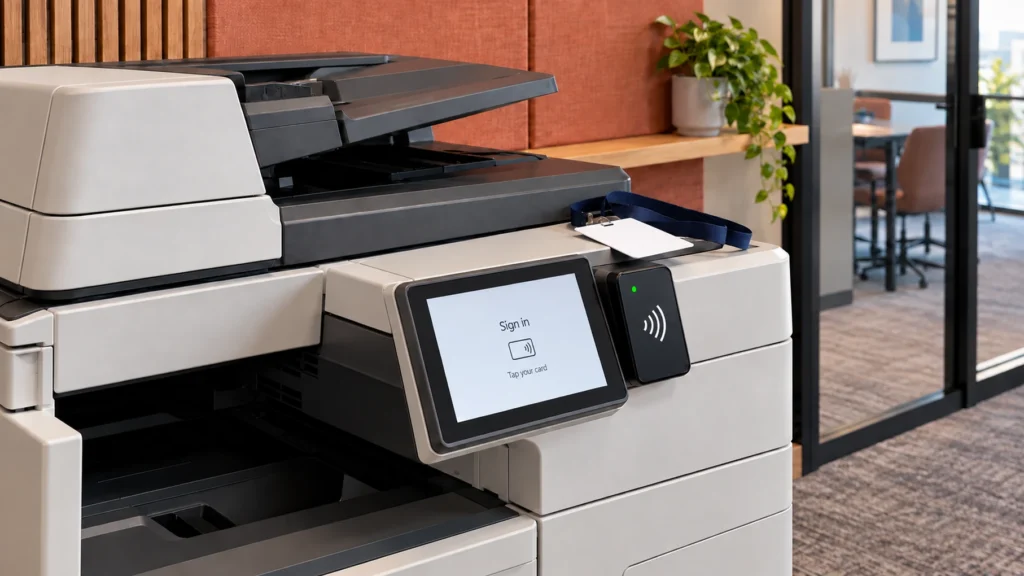
In a back office shared by several managers, secure release stops rotas, staff letters and supplier paperwork sitting in an output tray, and usage reports by user and device give head office its view of each store.
Where do shelf-edge labels and signage fit?
Price changes and promotions create a store's busiest print days, so label printers and colour devices belong in the same fleet as the back office copier, with the same monitoring, supplies and support. New unit pricing rules also raise the bar for the labels themselves.
Since 6 Apr 2026, the Price Marking Order 2004 has required selling prices and unit prices to be unambiguous, easily identifiable, clearly legible and shown in a clear font of a reasonable size. Where a product is sold at more than one price, such as a loyalty price, each selling price and each unit price must be shown.
The government guidance on the Order adds that the unit price should sit on a single line without text wrapping. For a retailer with several shops, a price change becomes a reprint across every store at once, to a standard that trading standards can enforce.
We supply and support Brother label printers on the same managed terms as the rest of your printing, from the desktop QL series to the industrial TJ series. On our figures, mono costs a tenth of colour per page, so colour should go to the signage and posters that sell.
How do you keep store printers secure?
Treat each store printer as a computer on your network, because that is what it is. Change the factory password, keep the firmware current, release jobs only to the person who sent them, and wipe the drive before a device leaves a closing or refitted store.
A multifunction device can keep what it has scanned, printed and copied on its own drive, and the NCSC's guidance on sanitising storage media says to wipe it before the device leaves your control.
The Cyber Security Breaches Survey 2025/2026 found that 20% of retail and wholesale businesses have a board member responsible for cyber security, against 31% of all businesses. In Quocirca's 2026 print security report, 67% of 400 organisations surveyed in the UK, France, Germany and the US had a print-related data loss in the past year.
By our count of the ICO's data security incident trends, retail and manufacturing reported 1,497 incidents in 2025, 58 of them involving paperwork. The ICO does not separate the two sectors and counts only reported incidents. If you are not sure which devices still carry a factory password, our free cyber security audit checks devices, network and people.
Sources: Quocirca, Jul 2026; DSIT, Apr 2026; ICO incident trends, 2025, our count.
What did one managed fleet change at a national retailer?
A large UK retail chain with numerous stores replaced store-by-store printing with one managed fleet. Head office now sees usage across the estate in one place, stores stopped losing trading time to unmaintained devices, and finance receives one invoice instead of dozens.
We deployed a mixed fleet tailored to each store format, joined up by a universal print driver and central fleet software, with remote monitoring and automated toner. The case study on our retail page sets out the outcomes; the customer is not named and no costs are published, so none appear here.
Is your estate ready for one managed fleet?
When you compare retail printing solutions, ask five questions. How quickly is a new store or pop-up added? What happens to devices and their drives when a store closes? Can you see usage and cost by store? Who orders toner, and how do they know a store is running low? Is the engineer response an average or a promise?
Multi-site print management only pays off when those answers are clear. A free print audit gets them for your own estate, covering every device at every site, and the findings are yours whatever you decide.
Frequently asked questions
Managed print for retail means one provider supplies, monitors, maintains and restocks every printer and copier across your stores, warehouse and head office for one fixed monthly cost. Faults are picked up remotely, toner arrives before it runs out, and one invoice shows usage by site, so print becomes a cost someone owns.
Serverless printing moves print queues and drivers from an on-site server to the cloud. Staff print as normal, and each job waits until the sender releases it with a card, a code or a phone app. For shops, it removes the need for a server in the stockroom and for anyone to look after one.
Since 6 Apr 2026, selling and unit prices must be unambiguous, easily identifiable, clearly legible and in a clear font of a reasonable size, and loyalty-priced products must show every price and unit price. Shops of 280 square metres or less stay exempt from unit pricing on goods pre-packaged in a constant quantity.
It depends on the number of devices, how much each store prints and how much is colour, and we publish no figures for retail print. Our print management page puts the typical saving at up to 40% of print-related costs, and a free print audit replaces that general figure with the one for your own estate.
A free print audit covers every device at every site, from flagship to warehouse, and shows what each store prints and what it costs. No obligation, and you keep the findings whatever you decide.
Request a Free Print Audit